
Tip 2: MFA everywhere you can
25th June 2025
I sometimes get asked what the biggest tip is that I can give someone that’s worried about their security, and I start with Multi Factor Authentication. Sometimes you’ll see this called Two Factor Authentication or use the acronyms MFA or 2FA.
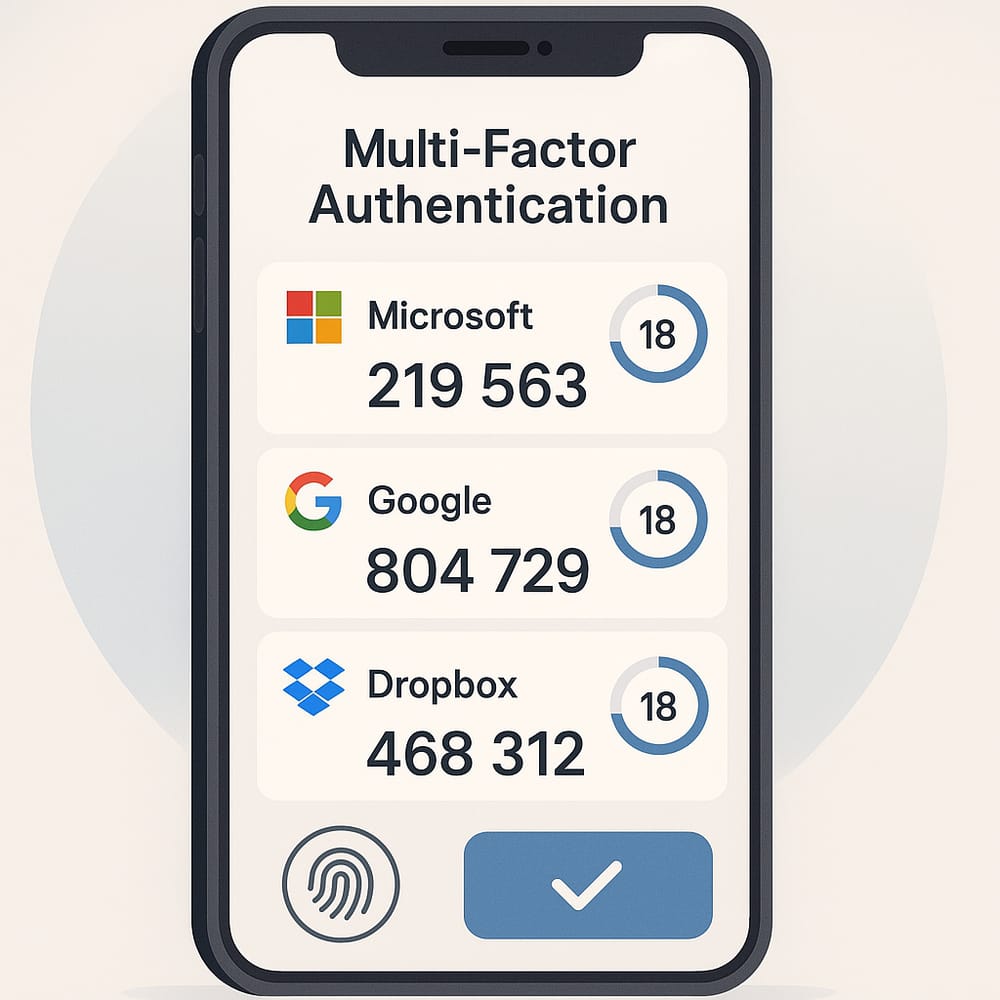
Simply put, MFA requires the person logging in to provide an additional confirmation that they are who they say they are. MFA takes many forms, from codes sent by SMS text message, to time sensitive codes generated by an app, to hardware keys like a Yubikey or Google Titan. Enabling MFA requires you to have one of these things before you can login - the attacker is unlikely to have a code generated by an app on your phone (or your hardware key).
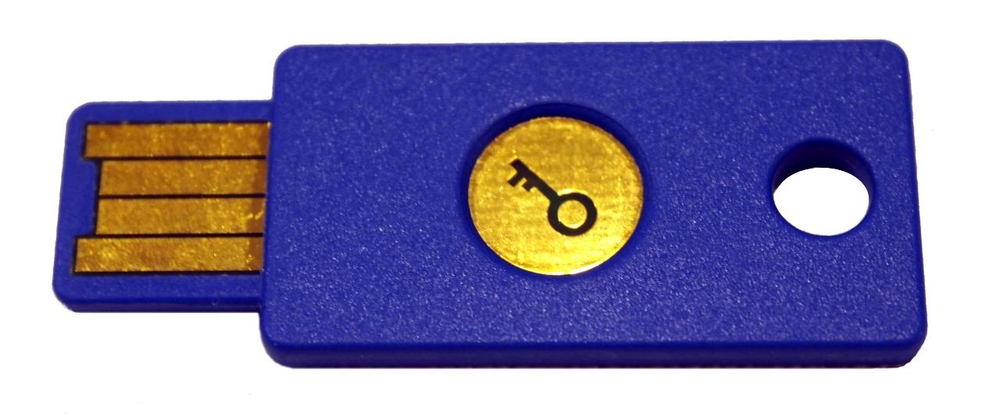 A hardware security key made by Yubico. This example supports the FIDO U2F standard, and is plugged in to a USB port.
The user then touches the gold circular button to complete the MFA step.
A hardware security key made by Yubico. This example supports the FIDO U2F standard, and is plugged in to a USB port.
The user then touches the gold circular button to complete the MFA step.
Enabling MFA is quick, often free, and is an easy step to improve security. Any MFA is better than no MFA, but if you have the option to use an app to generate codes it’ll be better than getting a text message. Text messages require you to have signal (not guaranteed) and there are attacks that could allow an attacker to get your text message. That attack scenario is probably not something most of us worry about, but if you are a high-ranking individual in a big company you may wish to consider it.
This blog post was originally published on LinkedIn and on Jonathan's personal blog on 25th June 2025.
MFA app mock-up generated by Microsoft Copilot.
Blue Yubikey U2F USB token image by Bautsch on Wikimedia (public domain).
